Your app is live on Google Play but installs are stuck near zero? Here is why solo developers get no users, and 10 practical ways to get your first ones.
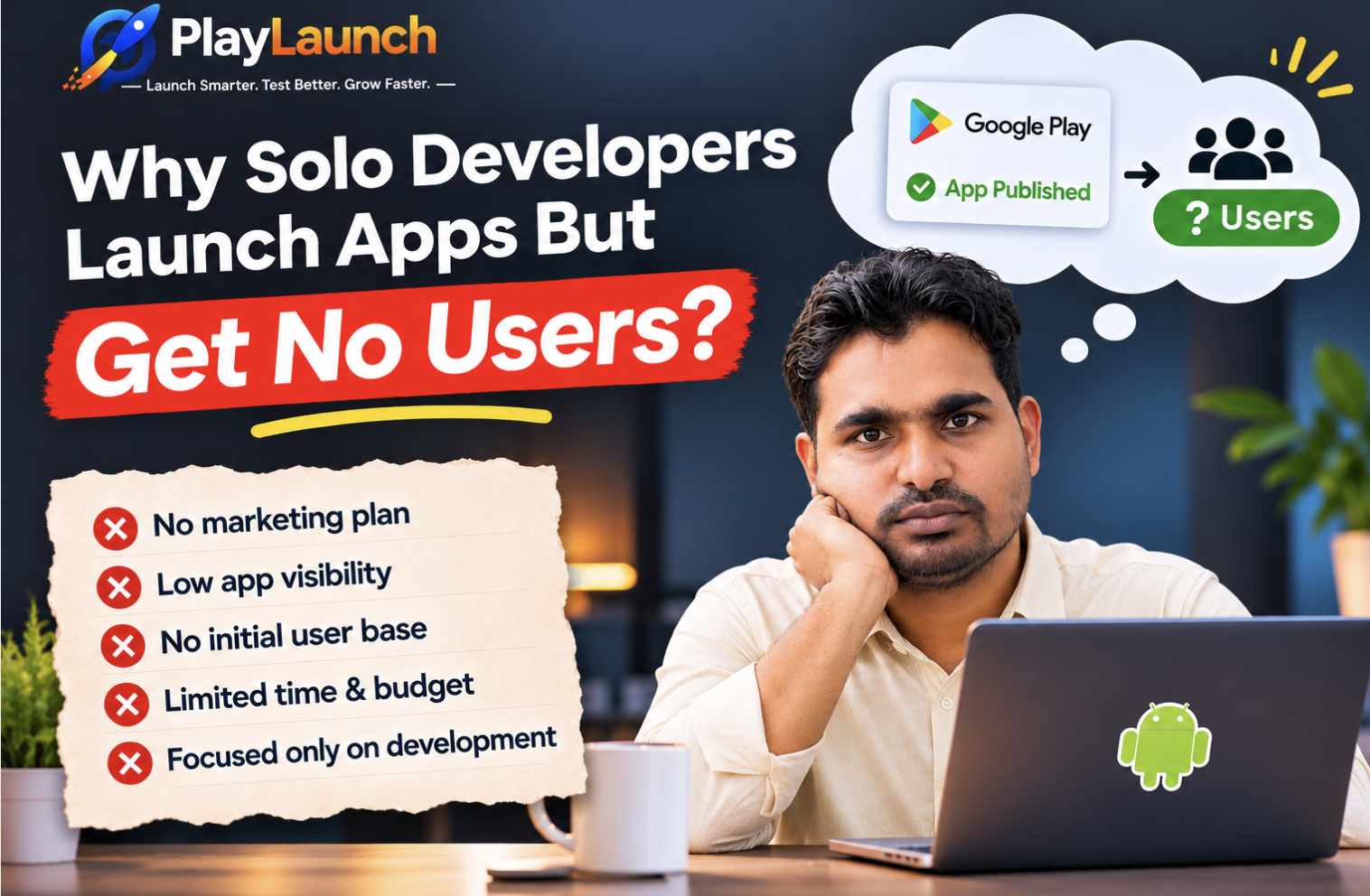
You spent weeks, maybe months, building your app. You finished closed testing, passed Google's review, and one morning you saw the best message a developer can see: your app is live in production. Then nothing happens. Zero installs, or maybe two or three from your friends. If this is you, you are not alone. This post explains why it happens and what you can do about it.
First, what PlayLaunch does and does not do
Services like PlayLaunch help solo developers get through one of the hardest technical steps on Google Play: completing closed testing and getting production access. That is a real problem, and solving it saves a lot of time.
But production access is not the same as user acquisition. Think of it like opening a shop. Getting the license and unlocking the door is one job. Getting customers to walk in is a completely different job.
PlayLaunch has now also started an app install campaign service, which helps developers with the next step after production: getting their first installs.
Why solo developers get no users
1. Nobody knows the app exists
Google Play has millions of apps. A new app with no installs and no reviews has almost no ranking, so it does not appear in search or recommendations. Users cannot install something they never see.
2. Launching is treated as the finish line
Many developers spend 95% of their time building and 5% on marketing. Successful apps usually need the opposite attention after launch. Launch day is the starting line.
3. The app solves no clear problem
A general "messages app" or "tools app" competes with giants. If a visitor cannot understand in five seconds what your app does and why it is better, they leave.
4. The Play Store listing is weak
Common mistakes include:
- A vague title with no keyword
- A description that lists features instead of benefits
- Few or low-quality screenshots
- No feature graphic or video
- A small icon that is hard to read
The listing is your sales page. If it does not convince, traffic is wasted.
5. No reviews, no trust
Users rarely install an app with zero ratings. This is the cold-start problem: you need reviews to get installs, and installs to get reviews.
6. Poor first experience
If the app crashes, asks for too many permissions, or confuses people in the first minute, users uninstall quickly. High uninstall rates also hurt ranking.
7. No marketing channel
Most solo developers have no audience, no email list, no community and no budget. Without at least one channel bringing people in, installs stay near zero.
How to acquire your first users
Here are practical options, from free to paid.
A. Fix the foundation first
Before promoting anything, make sure the app deserves traffic.
- Test a fresh install on a real phone
- Check crash and ANR reports in Play Console
- Make the first screen explain the value clearly
- Ask only for permissions you truly need
B. Optimize the Play Store listing (ASO)
App Store Optimization is the cheapest long-term channel.
- Put your main keyword in the title, for example "NotiFeed: Notification History"
- Write the first two lines of the description as a clear promise
- Use 5 to 8 screenshots with short captions
- Add a feature graphic and, if possible, a short demo video
- Update keywords based on the search terms that bring installs
C. Go where your users already are
Choose a niche, then find communities for it.
- A fishing app belongs in fishing groups, forums and YouTube comment communities
- A productivity app belongs in productivity subreddits and Telegram groups
- Share a helpful post, not just a link. Explain the problem you solved.
Read each community's self-promotion rules before posting.
D. Build in public
Post your journey on X, LinkedIn, Instagram or YouTube. Share screenshots, small wins, mistakes and numbers. People enjoy supporting a real person, and some will install out of curiosity.
E. Make short videos
Short demo videos on Reels, Shorts or TikTok can reach thousands of people for free. Show the problem, then show your app fixing it in under 30 seconds.
F. Collect early reviews honestly
- Ask your testers and friends to leave honest reviews
- Add an in-app review prompt after a positive moment, not at first launch
- Reply to every review
Never buy fake reviews or installs. Google can suspend developer accounts for it.
G. Launch on directories and communities
Submit your app to Product Hunt, Indie Hackers, relevant Reddit communities and app directories. One good post can bring your first few hundred users.
H. Cross-promote your own apps
If you have several apps, link them to each other inside the apps and on your developer page. Users of one app may like the others.
I. Try small paid tests
Once your retention looks healthy, run a small Google Ads app campaign, an influencer test, or an app install campaign with a tiny budget. Do not pay for traffic before the app keeps users, or you will burn money.
J. Improve using data
Watch these numbers for the first 2 to 4 weeks:
- Store listing conversion rate
- Day-1 and Day-7 retention
- Crash and ANR rate
- Uninstall reasons
- Review comments
Then improve one thing at a time.
A simple 30-day plan
Week 1: Fix bugs, polish the listing, install from the Play Store and test everything. Ask testers for reviews.
Week 2: Post in two or three niche communities. Start posting short videos.
Week 3: Study Play Console data. Update keywords, screenshots and the description.
Week 4: Ship one improvement users asked for. Announce it and ask for feedback again.
Final thoughts
Getting to production is a real achievement, and tools like PlayLaunch can make that path easier. But users do not come automatically. The solo developers who succeed treat launch as the beginning: they pick a niche, polish the listing, talk to users, and improve steadily.
If your app has zero users today, that does not mean the idea is bad. It usually means the right people have not found it yet. Go and find them.
Need 12 Testers for Your Google Play Closed Test?
PlayLaunch provides 12+ real active Android testers across 14 continuous days with 100% policy compliance to ensure your app passes Google Play production review smoothly.
Start Closed Testing Now